आज की डिजिटल दुनिया में, साइबर सुरक्षा (Cybersecurity) सिर्फ कंपनियों के लिए नहीं बल्कि हर इंटरनेट यूज़र के लिए ज़रूरी बन गई है।
हम हर दिन सोशल मीडिया, ऑनलाइन बैंकिंग, ईमेल और ई-कॉमर्स साइट्स का इस्तेमाल करते हैं — लेकिन क्या आप जानते हैं, हर क्लिक के पीछे साइबर खतरा छिपा हो सकता है?
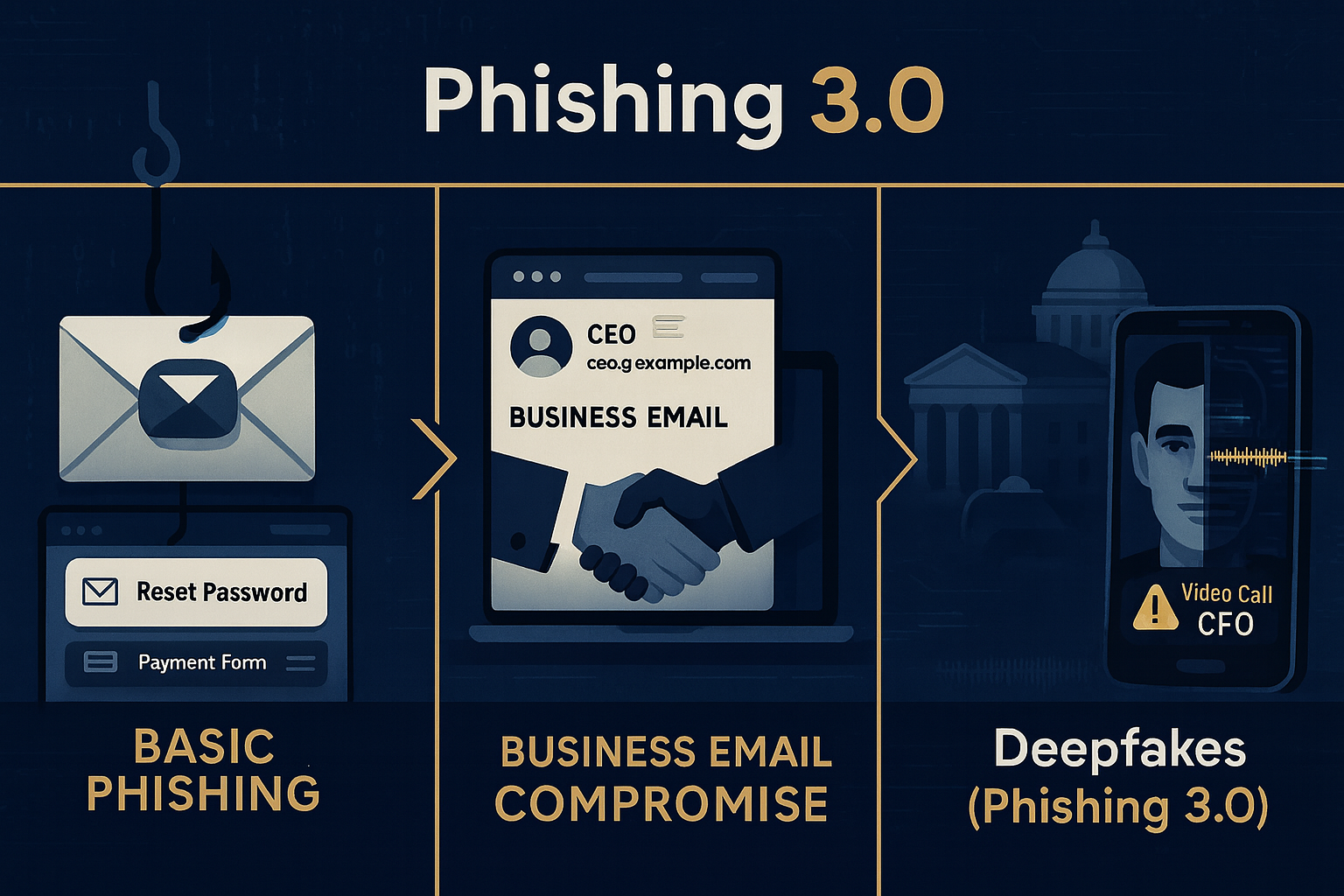
2025 में साइबर अपराध (Cybercrime) और भी एडवांस्ड हो चुके हैं — AI phishing, deepfake scams, और ransomware attacks जैसी तकनीकें अब आम हैं।
इसलिए, अगर आप इंटरनेट यूज़र हैं या ऑनलाइन काम करते हैं, तो इन 10 Cybersecurity Tips को अपनाना बहुत ज़रूरी है।
Strong Password का इस्तेमाल करें (Use Strong & Unique Passwords)
एक कमजोर पासवर्ड, हैकर के लिए खुले दरवाज़े जैसा होता है।
हम में से कई लोग अभी भी “123456”, “password”, या अपनी जन्मतिथि जैसे पासवर्ड का इस्तेमाल करते हैं — जो बहुत खतरनाक है।
सुझाव:
-
पासवर्ड में कम से कम 12 characters हों।
-
Capital letters, numbers और special symbols मिलाकर password बनाएं।
-
हर account के लिए अलग password रखें।
-
Password याद रखने के लिए Password Manager (जैसे Bitwarden या LastPass) का उपयोग करें।
Two-Factor Authentication (2FA) Enable करें
अगर कोई आपका password जान भी जाए, तो भी 2FA आपकी पहचान की रक्षा करता है।
जब आप login करते हैं, तो आपके मोबाइल या ईमेल पर एक verification code आता है — जिससे अनधिकृत व्यक्ति आपके account तक नहीं पहुँच पाता।
कहां ज़रूरी है:
-
Gmail, Facebook, Instagram
-
Online banking
-
Cloud storage (Google Drive, Dropbox)
Phishing Emails से सावधान रहें (Beware of Phishing Emails)
Phishing आज के सबसे आम cyber attacks में से एक है।
हैकर आपको नकली ईमेल भेजते हैं जो किसी असली कंपनी जैसे दिखते हैं — जैसे बैंक, Netflix, या सरकारी विभाग।
पहचान कैसे करें:
-
ईमेल में spelling mistakes होती हैं।
-
“Urgent Action Needed” जैसे डराने वाले मैसेज होते हैं।
-
Unknown link या attachment भेजी जाती है।
हमेशा लिंक क्लिक करने से पहले ध्यान दें कि URL सही वेबसाइट का है या नहीं।
अपने Software और Apps को अपडेट रखें (Keep Your Software Updated)
Outdated software में कई बार security loopholes होते हैं जिन्हें हैकर्स exploit करते हैं।
इसलिए अपने Windows, Android, iOS, Browser, और Antivirus को हमेशा अपडेट रखें।
सुझाव:
Public Wi-Fi का उपयोग सोच-समझकर करें (Be Careful with Public Wi-Fi)
Cafe, airport या railway station के free Wi-Fi पर browsing करना tempting होता है, लेकिन ये सबसे ज़्यादा risky जगह होती है।
Hackers ऐसे networks पर आपके data को आसानी से capture कर सकते हैं।
सुरक्षित रहने के तरीके:
-
Banking या shopping sites पर login न करें।
-
VPN (Virtual Private Network) का इस्तेमाल करें।
-
Wi-Fi Auto-Connect बंद रखें।
अपने Mobile को Secure करें (Secure Your Smartphone)
आज smartphone ही हमारा छोटा computer बन चुका है।
इसमें हमारी personal photos, bank apps, passwords और contacts सब कुछ होता है।
क्या करें:
-
Screen lock हमेशा रखें (PIN, Pattern या Fingerprint)।
-
Unknown apps को install न करें।
-
App permissions को regular review करें।
-
Antivirus apps जैसे Avast, Kaspersky या Norton का इस्तेमाल करें।
Social Media पर Over-Sharing से बचें (Avoid Over-Sharing on Social Media)
Facebook, Instagram या X (Twitter) पर अपनी personal जानकारी ज़्यादा शेयर करना खतरनाक हो सकता है।
हैकर आपकी photos, location, family info या job details से आपके accounts hack करने की कोशिश कर सकते हैं।
Safe रहने के तरीके:
-
Privacy settings को हमेशा check करें।
-
Unknown friend requests accept न करें।
-
Personal documents या ID proof की photo कभी पोस्ट न करें।
Data Backup ज़रूर करें (Regular Data Backup)
कभी-कभी ransomware या hardware failure की वजह से data खो सकता है।
Backup आपकी digital life का insurance है।
कैसे करें:
-
Important files को external hard drive या cloud storage (Google Drive, OneDrive) में backup करें।
-
हर हफ्ते backup update करें।
Trusted Security Tools का इस्तेमाल करें (Use Trusted Cybersecurity Tools)
Cybersecurity सिर्फ habits नहीं, tools पर भी निर्भर करती है।
नीचे कुछ उपयोगी tools दिए गए हैं:
| Category | Recommended Tools |
|---|
| Password Manager | Bitwarden, Dashlane, 1Password |
| Antivirus | Kaspersky, Bitdefender, Avast |
| VPN | ProtonVPN, NordVPN, Surfshark |
| Secure Browser | Brave, Firefox |
| Phishing Protection | Guardio, Malwarebytes Browser Guard |
Free versions से शुरुआत करें और जरूरत पड़ने पर premium में upgrade करें।
खुद को अपडेट रखें (Stay Educated & Updated)
Cybersecurity एक dynamic field है।
हर दिन नए virus, scams और hacking methods सामने आते हैं।
अगर आप updated नहीं रहेंगे तो सुरक्षित रहना मुश्किल है।
क्या करें:
-
Cybersecurity blogs (जैसे Sky Yadu CyberSecurity, Krebs on Security) पढ़ें।
-
YouTube चैनल्स से awareness videos देखें।
-
Government portals जैसे cybercrime.gov.in follow करें।
निष्कर्ष (Conclusion)
साइबर सुरक्षा अब कोई “tech experts” की चीज़ नहीं रही — ये हर आम यूज़र की ज़रूरत है।
आपका data, पैसा और digital identity आपकी responsibility है।
इन 10 simple tips को follow करें और खुद को cyber attacks से बचाएँ।
“Safety online starts with awareness — Stay Smart, Stay Secure.”